Aliases
Aliases let you create shortcut names for existing CLI commands. Any CLI command can be aliased, including Atmos native commands like terraform apply or describe stacks, as well as custom commands.
Configuration
CLI command aliases are configured in the aliases section:
Using Aliases
Execute an alias as you would any Atmos native or custom command:
Aliases in Help
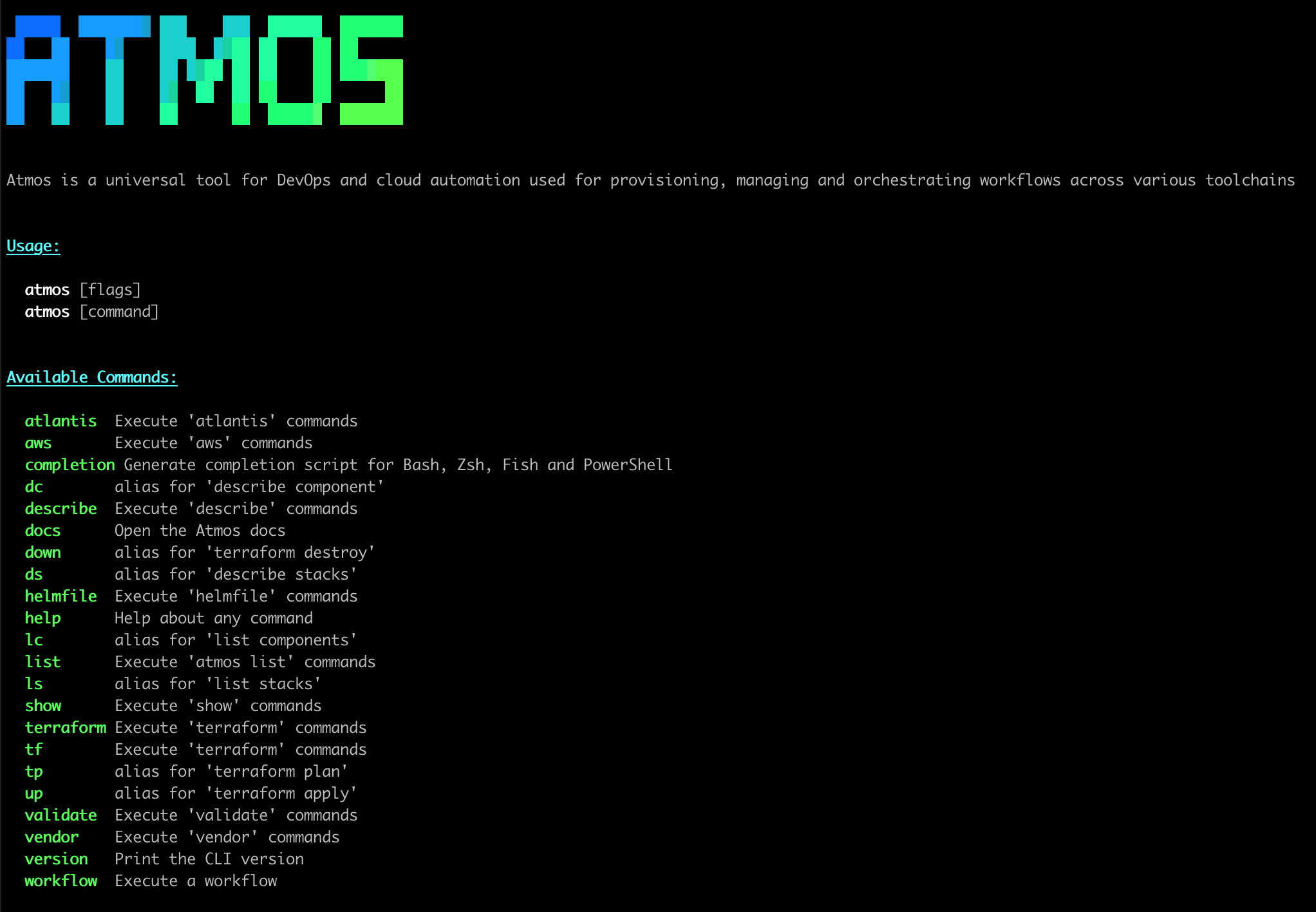
The aliases configured in the aliases section automatically appear in Atmos help, shown as alias for '<command>'.
Argument Support
An alias automatically supports all command line arguments and flags that the aliased command accepts.
For example:
| Alias Command | Equivalent To |
|---|---|
atmos up <component> -s <stack> | atmos terraform apply <component> -s <stack> |
atmos dc <component> -s <stack> | atmos describe component <component> -s <stack> |
Common Aliases
Here are some commonly used aliases:
aliases:
  # Terraform shortcuts
  tf: terraform
  tp: terraform plan
  up: terraform apply
  down: terraform destroy

  # Describe shortcuts
  ds: describe stacks
  dc: describe component
  da: describe affected

  # Workflow shortcuts
  wf: workflow

  # List shortcuts (requires custom commands)
  ls: list stacks
  lc: list components
Custom command aliases
A custom command can also declare its own aliases: directly, native and in-process (the same command object, just with extra names):
commands:
  - name: deploy
    aliases: [dep, d]
    description: Deploy a component to a stack
    steps: [...]
This is a different mechanism from the top-level aliases: section on this page — the top-level map redirects an alias to a possibly-unrelated command by re-executing Atmos as a subprocess, which is what it takes to alias one arbitrary command to another. A custom command's own aliases: names the same command, so it needs none of that indirection. Use the top-level aliases: section to shorten built-in or already-defined commands (tf: terraform); use a custom command's own aliases: when you're defining the command yourself.
See Also
- CLI Configuration — Overview of CLI configuration
- Custom Commands — Create custom Atmos commands

